Ensure the logo is downloaded and is the right specification.
Logo specifications:
No shorter than 60px
No wider than 200px
No larger than 1.5MB
All new logos are to be added to this directory: Logos
Login into DRUPLE via Careers.Vic
At the top left hand cover, hover mouse over Structure -> Taxonomy -> Click on Organisations
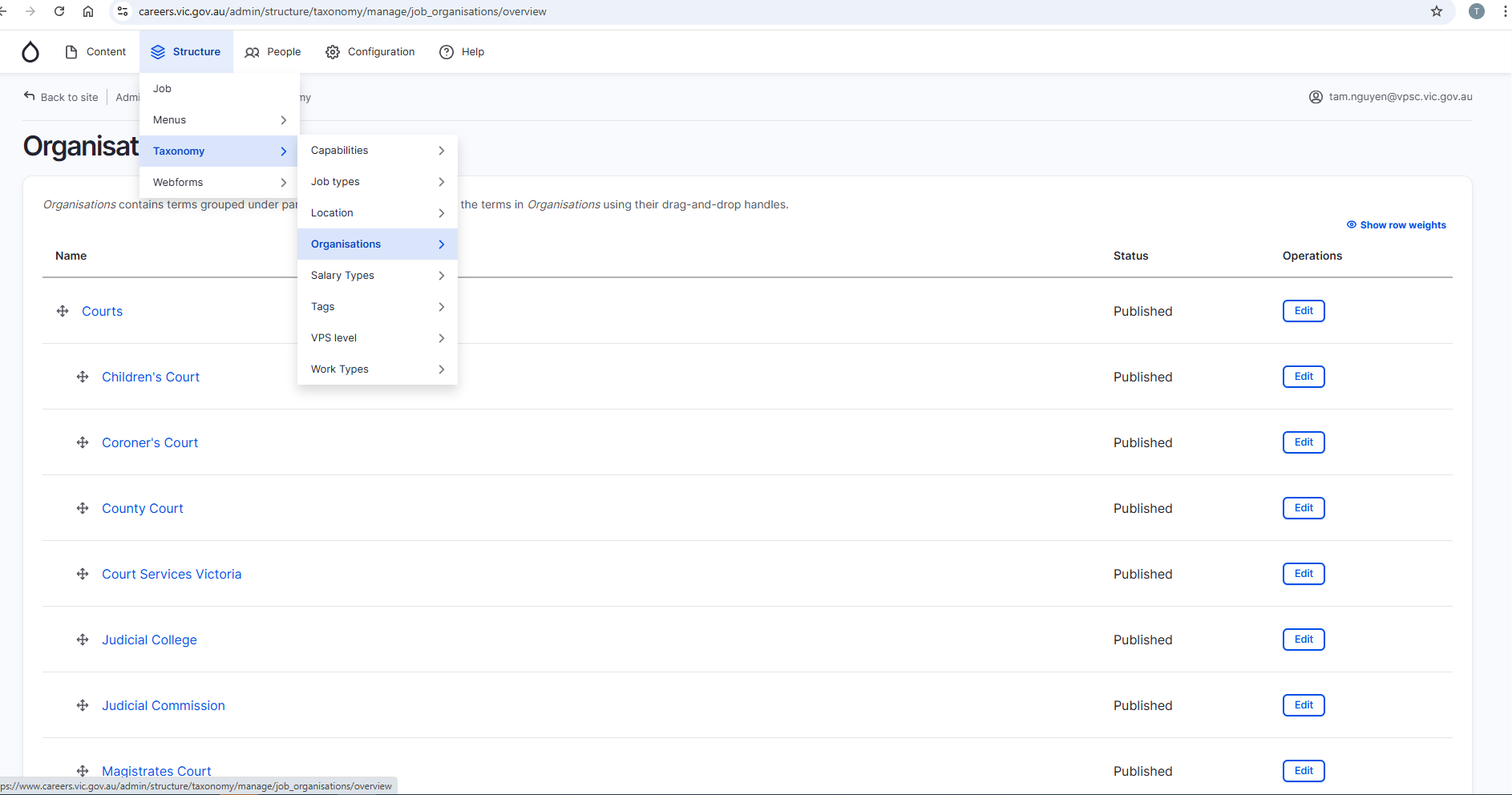
Organisations will be listed
Navigate to the organisation the logo needs to be updated for and click on EDIT on the far right side
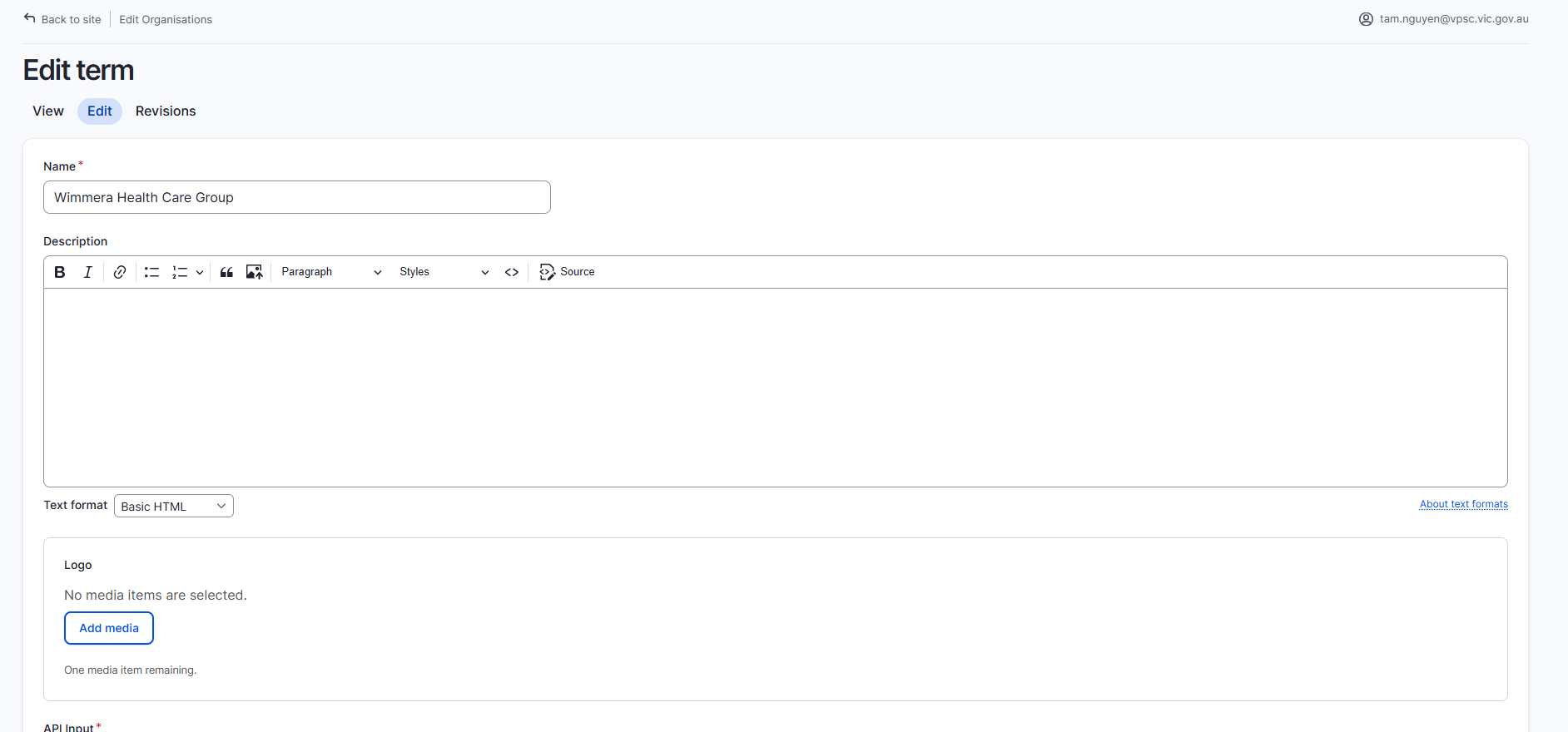
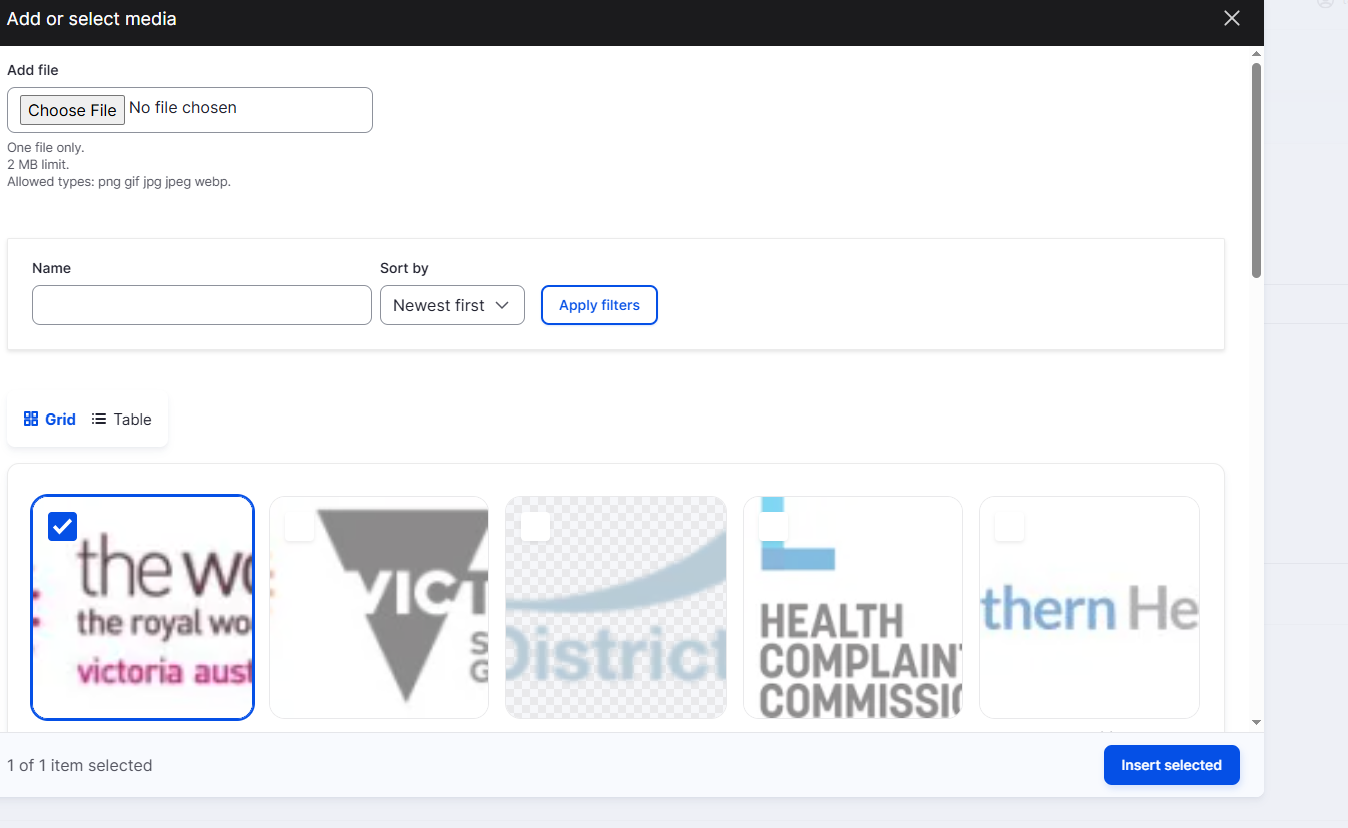
Click on Add Media under Logo heading
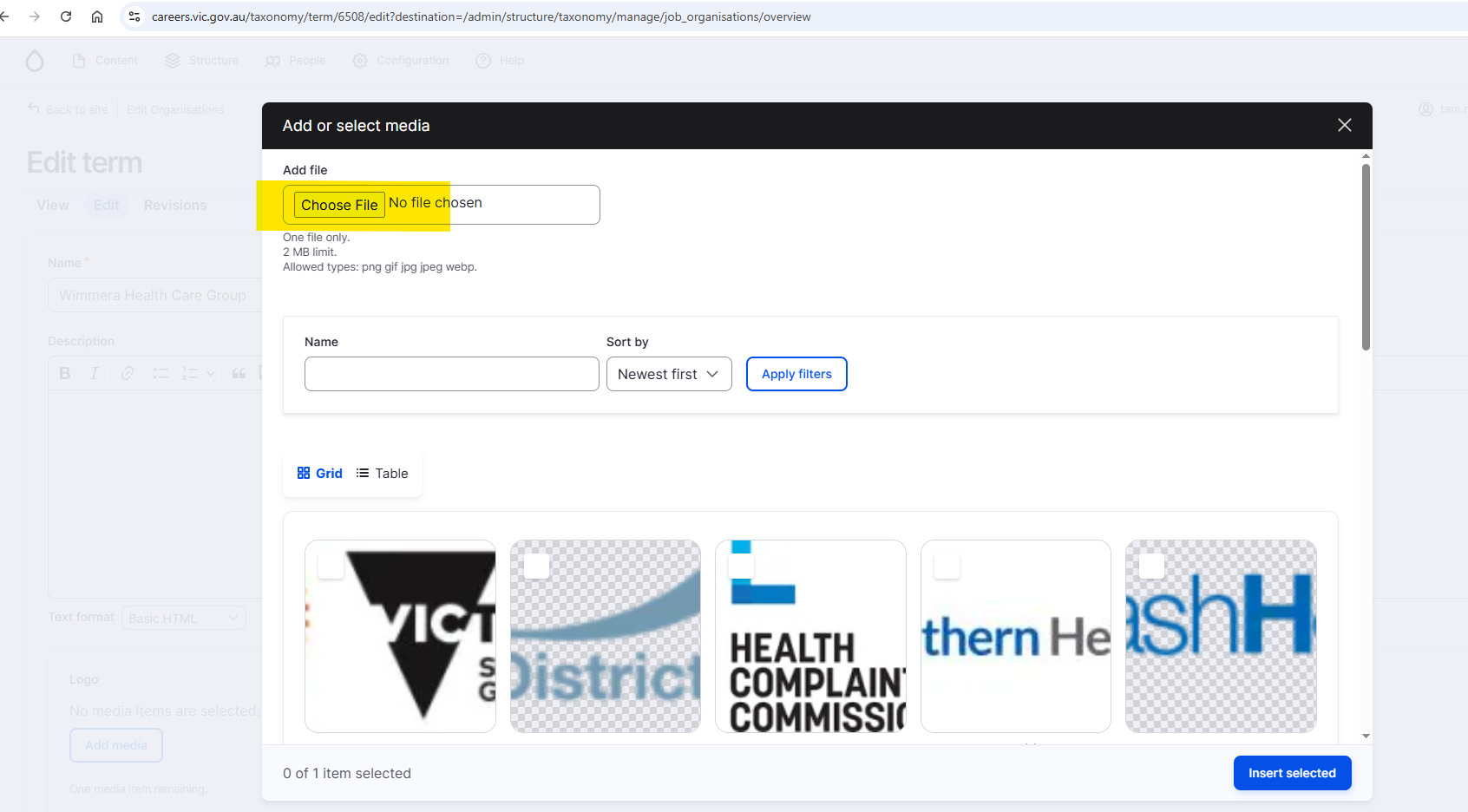
Click on Choose File
Choose the logo.
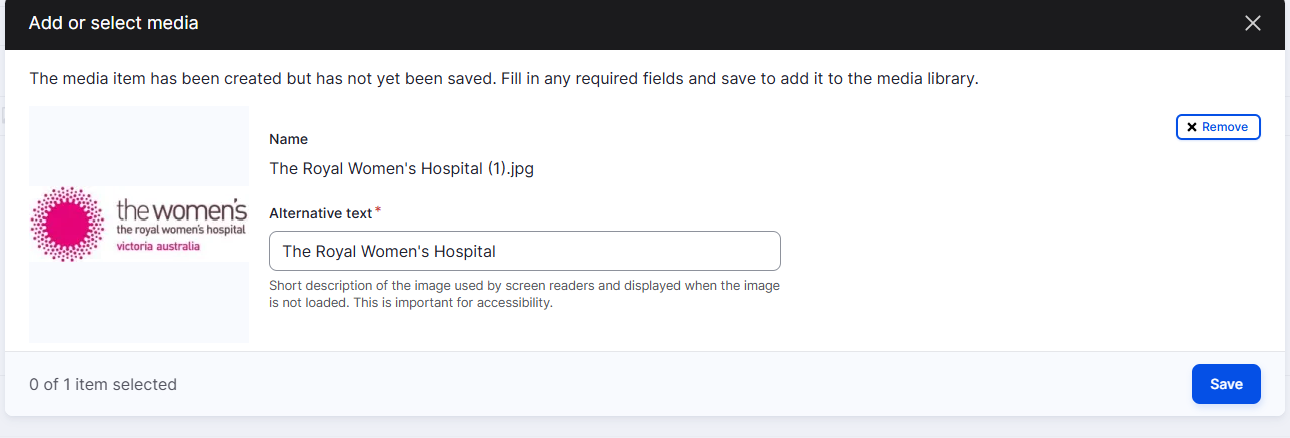
Input Alternative Text for Name and click on Save.
The logo will appear. Ensure it is selected and ticked.
Click on Insert selected.
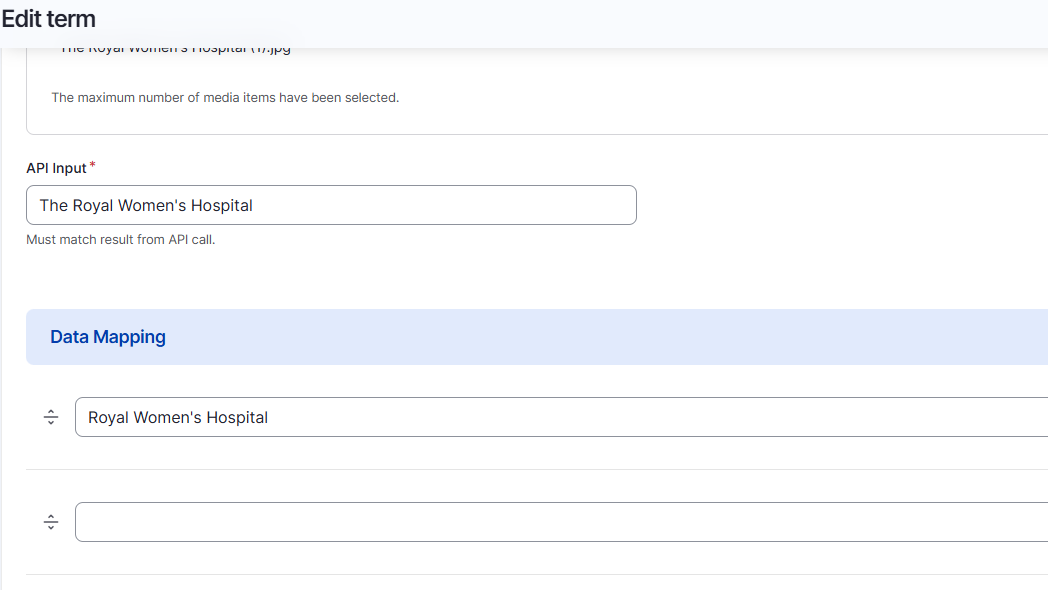
Input the value for the API - it should be the same as the organisation name.
Click on Save at the bottom of the form.
A green banner will appear at the top of the screen to confirm changes.

Check Careers.Vic website to ensure logo has been updated correctly (if there are current jobs posted).
Was this article helpful?
That’s Great!
Thank you for your feedback
Sorry! We couldn't be helpful
Thank you for your feedback
Feedback sent
We appreciate your effort and will try to fix the article